kigu
A downloadable app for Windows
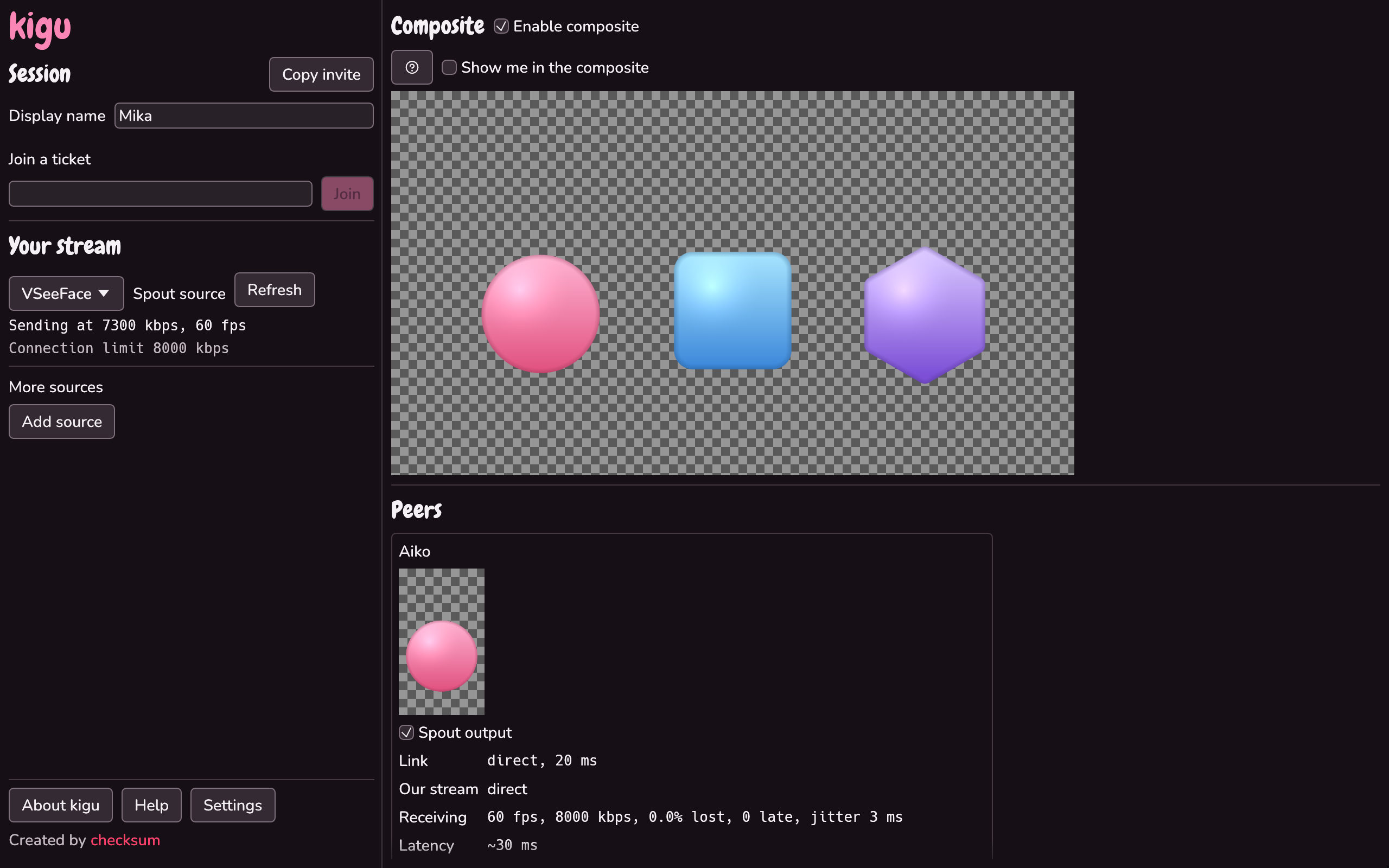
No green screen, no chroma key, no green fringe around your partners. kigu puts up to eight VTubers on one stream: everyone sends their avatar straight from their VTuber app, and each of you gets the whole group with real transparency, at up to 1440p (4K on capable GPUs), as a Spout source for OBS. Want each partner on their own OBS source instead? That works too.
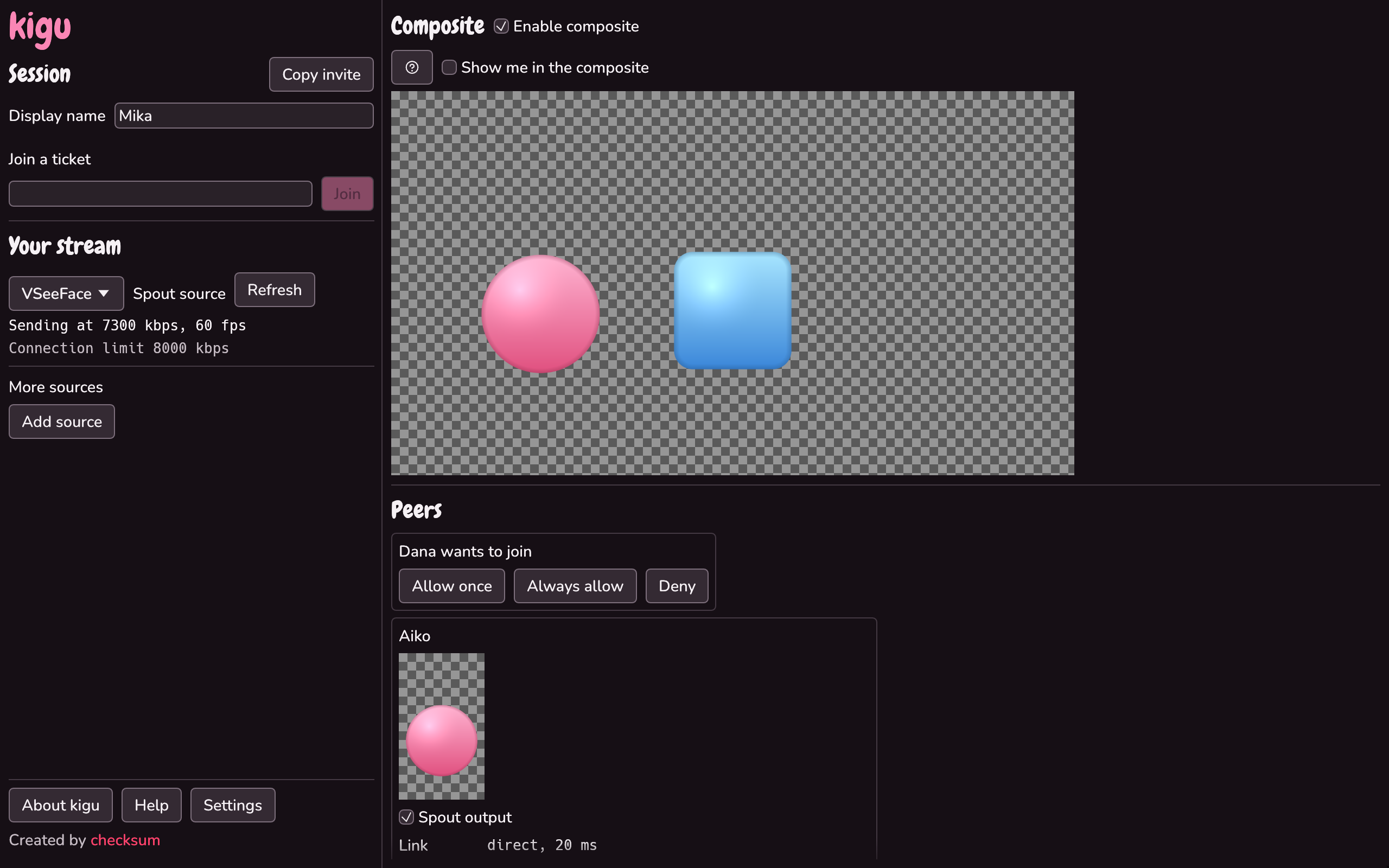
Send your partners a ticket or a join link, approve them, and they're in. There's no server to set up and no ports to forward. The video is encrypted end to end and goes straight between your PCs whenever your network allows. Your GPU does the heavy lifting, so your CPU stays free for the stream.
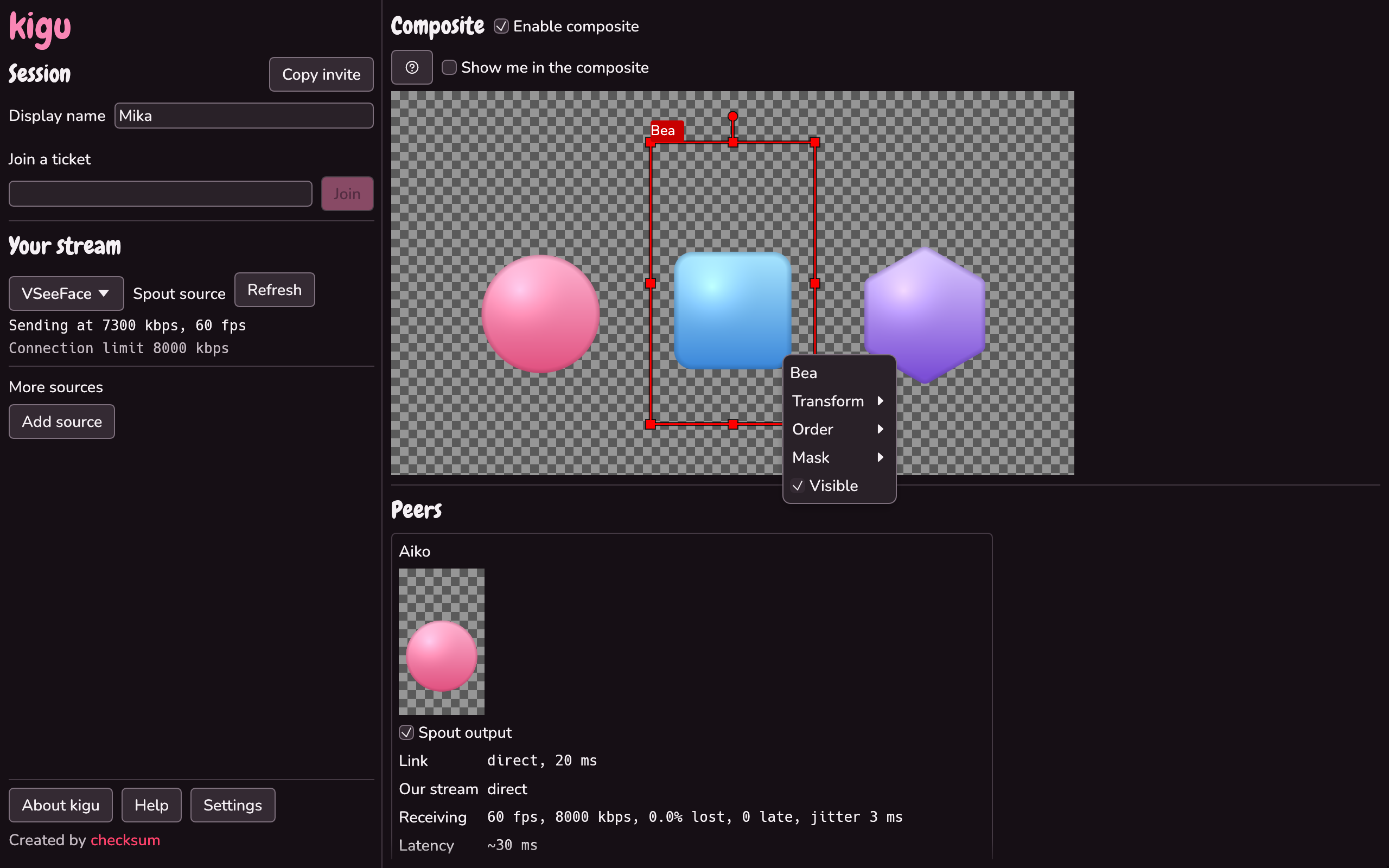
Arrange everyone in the scene editor: move, resize, crop, rotate, flip and mask each layer, on a landscape or vertical canvas. Keep talking on Discord like you always do; kigu suggests how much to delay the call so voices line up with the avatars.
kigu updates itself and never restarts in the middle of a collab. Free, with no account, no ads and nothing locked behind payment.
Requirements
- Windows 10 (22H2) or 11, 64-bit
- A GPU whose driver supports Vulkan Video H.264 encode and decode (recent NVIDIA, AMD or Intel, on an up-to-date driver)
- A VTuber app with Spout output, such as VSeeFace, Warudo, VNyan or VTube Studio (with its Spout plugin)
More from checksum.studio
Questions, bugs or ideas? Come say hi in the Discord. More tools at checksum.studio.
Download
Click download now to get access to the following files:
Development log
- 1.4.1 changelog5 days ago
- 1.4.0 changelog7 days ago
- 1.3.0 changelog8 days ago
- 1.2.0 changelog8 days ago
- 1.1.0 changelog9 days ago